
Latest posts
-
Blueprint Scanning Guide: Resolution, Color, File Types, and Indexing
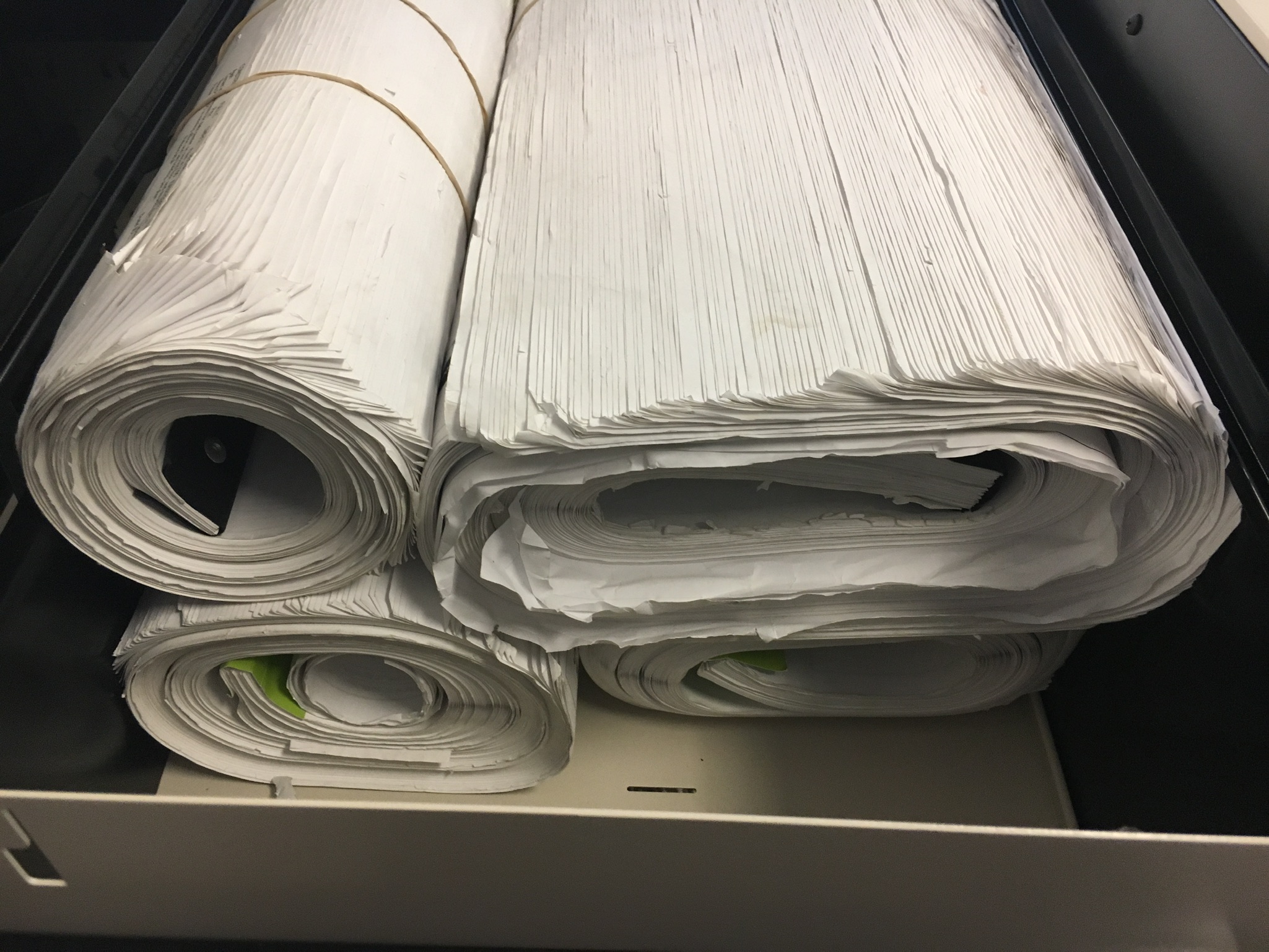
A useful blueprint scanning specification balances readable fine detail, manageable file size, correct orientation, color needs, and a naming system tied to project identifiers.
-
What Happens to Your Banker’s Boxes During Professional Scanning?
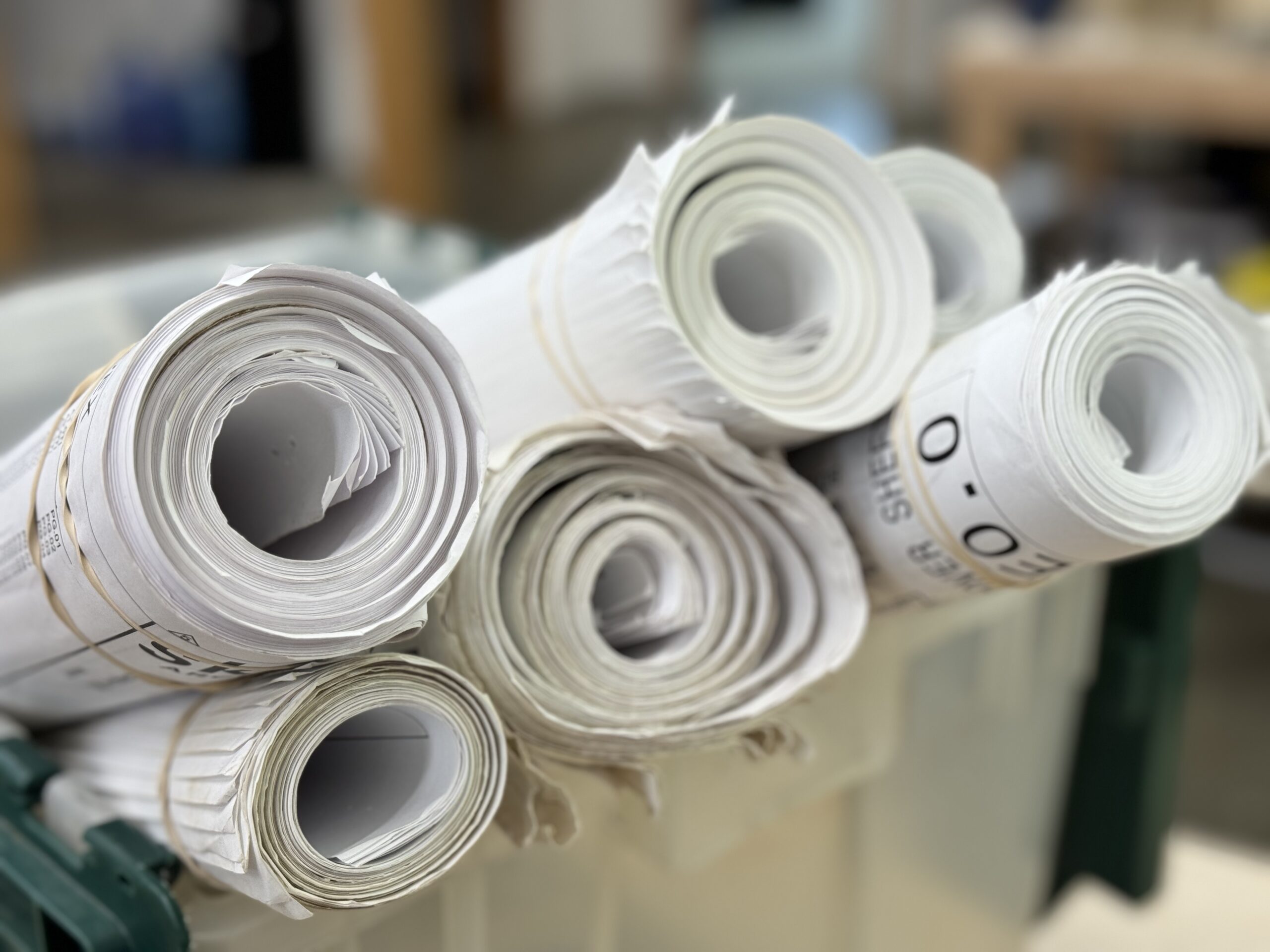
Professional banker’s box scanning turns boxed paper into organized digital files through controlled intake, preparation, imaging, indexing, quality review, and delivery.
-
OCR vs. Image-Only PDFs: What Should Your Scanning Project Deliver?
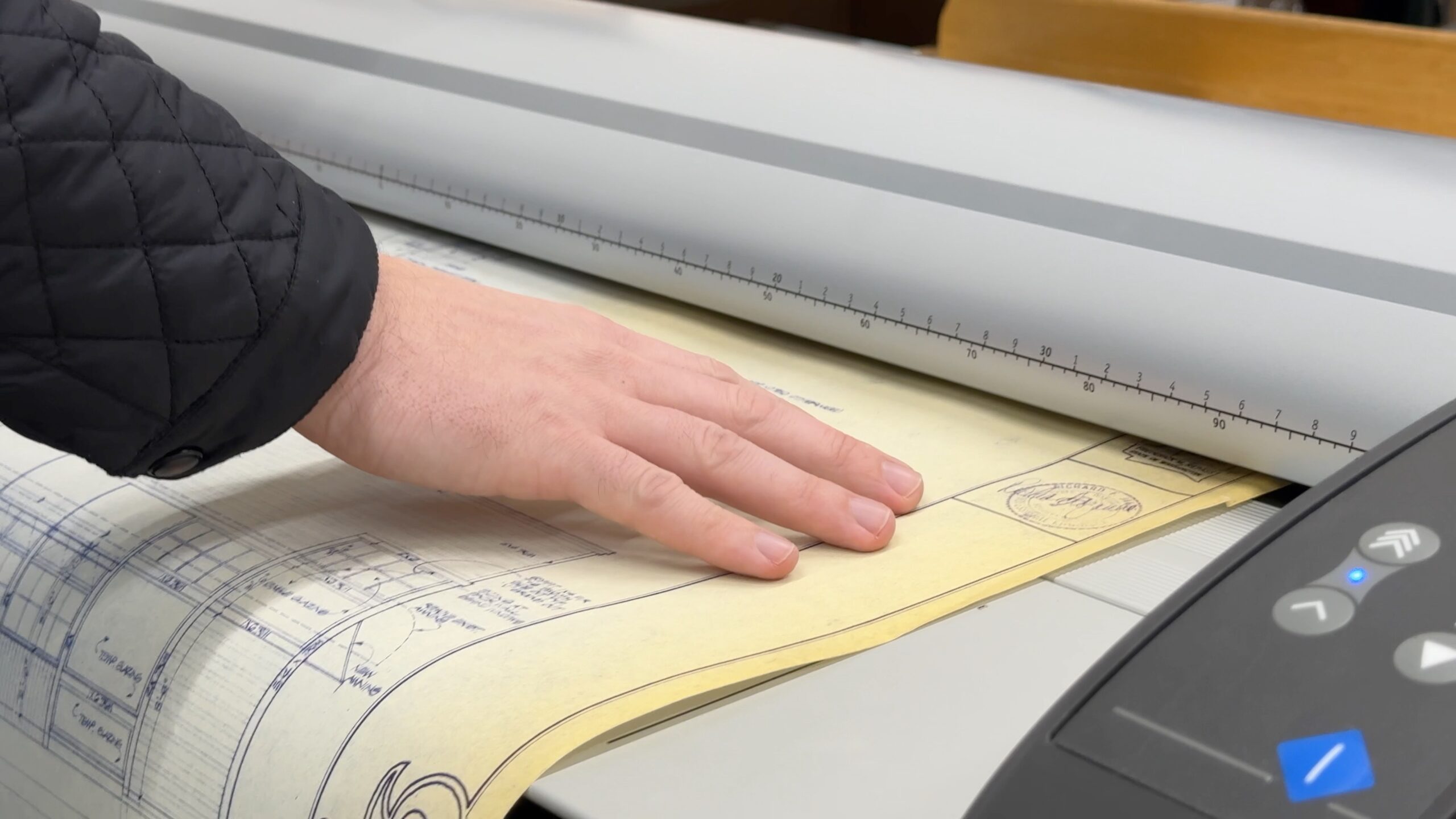
OCR adds a searchable text layer to scanned pages, while an image-only PDF preserves the page appearance without searchable text. The right choice depends on retrieval and use.
-
How to Plan a Document Scanning Project Without Disrupting Daily Work
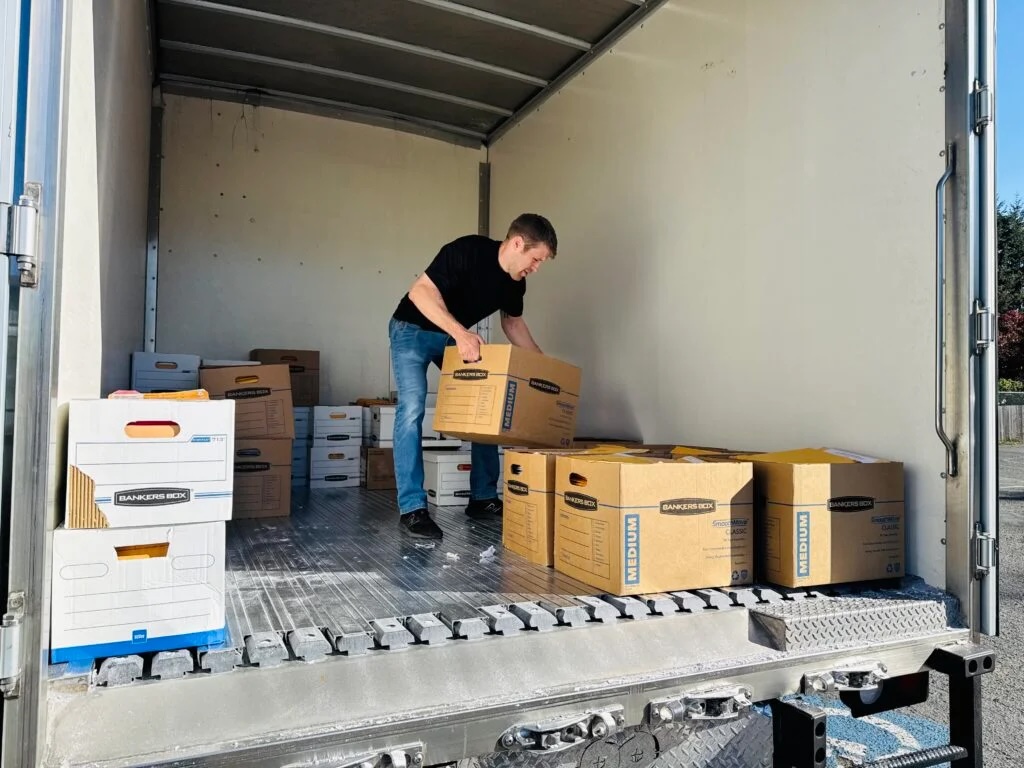
A document scanning project works best when the team defines scope, access needs, file naming, quality checks, and handoff before boxes move.
-
What to Look for When Comparing Document Scanning Companies
What to Look for When Comparing Document Scanning Companies Choosing a document scanning company isn’t just about finding the lowest quote. It’s about understanding exactly what is—and isn’t—included, how your information will be handled, and whether the final invoice will match the original proposal. Here are some of the most important things we encourage every…
-
Paper Cuts Hurt—Your Workflow Doesn’t Have To
Paper Cuts Hurt—Your Workflow Doesn’t Have To Ever wondered why a tiny paper cut from a simple sheet hurts more than a clean incision from something sharp? It comes down to precision and damage. A sharp blade makes a clean cut, while paper creates a jagged tear that irritates more nerve endings and often carries…
-
Large Format Scanning: Digitize and Protect Your Oversized Documents
Large Format Scanning: Digitize and Protect Your Oversized Documents Large Format Scanning: Digitize and Protect Your Oversized Documents – Not all documents fit into a standard scanner. Blueprints, engineering drawings, maps, and large-scale plans often hold critical information—but storing and managing them can be difficult. Large format scanning provides a simple, secure way to digitize…
-
Shipping Your Documents for Scanning: A Simple, Secure Guide
Shipping Your Documents for Scanning: A Simple, Secure Guide Not every business has the time or flexibility to schedule an on-site pickup—but that shouldn’t stop you from getting your documents digitized, organized, and protected. At Liberty, we always offer pickup and drop-off options, but if shipping works best for you, we’ve made the process just as…
-
Why Churches Are Moving to Digital Records
Why Churches Are Moving to Digital Records Churches manage a wide variety of records, from membership lists and donation records to meeting minutes, event documentation, and historical archives. Maintaining organized and accessible records is essential for smooth operations, community engagement, and preserving your church’s history. However, relying on paper files can create storage challenges, slow…
-
Why Land Title Companies Are Moving to Digital Records
Why Land Title Companies Are Moving to Digital Records Land title companies handle large volumes of documentation for every real estate transaction. Title searches, ownership records, deeds, closing documents, and legal filings must all remain accurate, organized, and accessible. As transaction volumes grow, managing these records in paper form can quickly become difficult and time-consuming.…